Formatted is the correct spelling, while formated is a common spelling mistake. The word formatted describes something arranged according to a particular layout, structure, or set of rules. You might use it when discussing a formatted document, formatted text, or a formatted SD card. Understanding the difference also helps you recognize related terms such as formatting, unformatted, file system, and text formatting.
The spelling rule is simple: add -ed to format and double the final t to form formatted. The same pattern appears in words such as planned and stopped. However, the meaning of formatted depends on the context. In writing, it usually describes how text or a document looks. In computing, it can refer to preparing a storage device for use.
This guide explains the correct spelling, definition, pronunciation, synonyms, and everyday uses of formatted. It also covers formatted text, formatted SD cards, and the difference between formatted and unformatted storage.
Formatted or Formated: Which Spelling Is Correct?
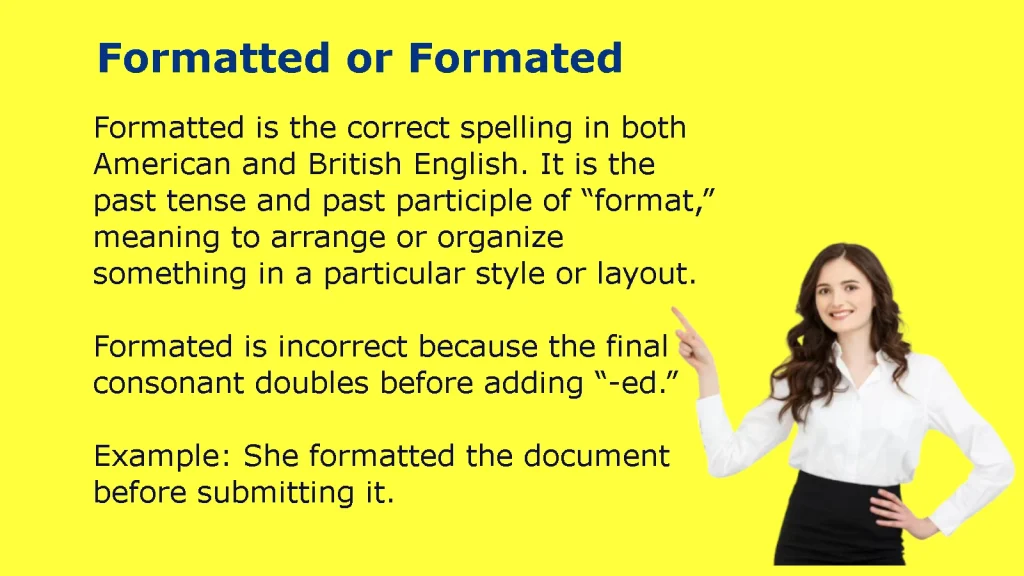
Formatted is the correct spelling in standard American and British English. Formated is generally considered a misspelling. The word comes from format, which means to arrange something according to a particular structure or presentation style. When you add -ed, you double the final t: format becomes formatted.
| Spelling | Correct? | Explanation |
| Formatted | Yes | Correct past tense and past participle of format |
| Formated | No | Common misspelling with one t before -ed |
| Formatting | Yes | Correct form used for the ongoing action |
| Formatter | Yes | A person, program, or tool that formats something |
| Unformatted | Yes | Describes something that lacks the expected formatting or structure |
For example, you should write, “I formatted the report before sending it to my manager,” rather than, “I formated the report before sending it to my manager.”
The correct form remains formatted regardless of whether you are discussing a school assignment, a business report, a website, or a storage device.
Why Does Formatted Have Two T’s?
The word formatted has two ts because English spelling rules often double a final consonant when a word ending in a single consonant takes a suffix beginning with a vowel, provided the word meets the relevant stress and syllable conditions.
The base word format ends in a consonant-vowel-consonant pattern in its final syllable: mat. When you add -ed, you double the final consonant before attaching the ending.
The spelling changes as follows:
- Format + ed = formatted
- Format + ing = formatting
- Format + er = formatter
This rule also appears in other English words.
| Base word | Correct past tense | Incorrect spelling |
| Plan | Planned | Planed, when the intended word is the past tense of plan |
| Stop | Stopped | Stoped |
| Admit | Admitted | Admited |
| Format | Formatted | Formated |
The rule does not apply to every word that ends in a consonant. For example, visit becomes visited, not visitted, because the stress pattern differs. Learning a few common patterns makes spelling easier, but you should still check unfamiliar words.
Memory tip: Whenever you write format and add -ed or -ing, remember to double the final t.
Formatted vs. Formated in American and British English
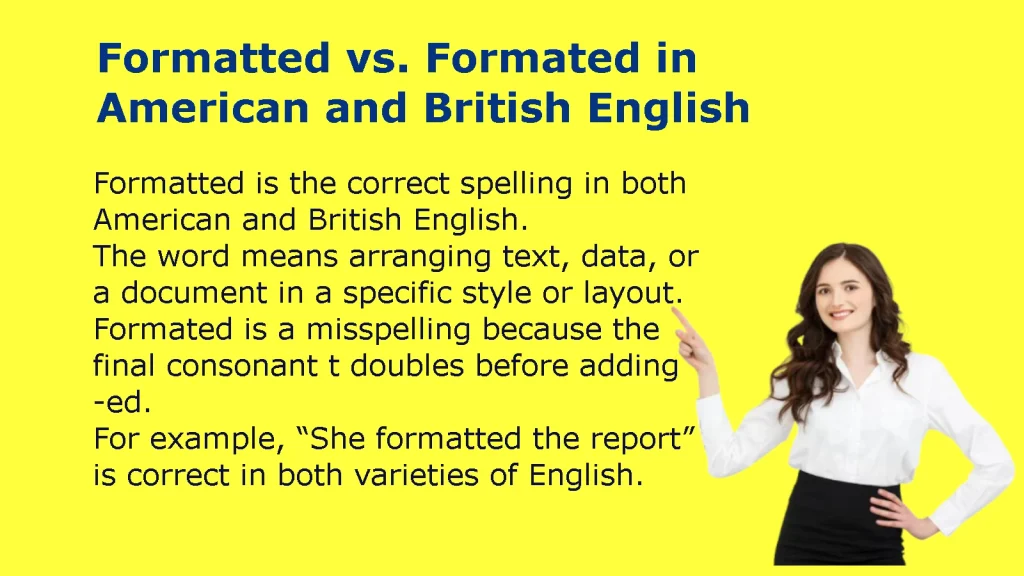
American and British English sometimes use different spellings for the same word. For example, American English uses color, while British English commonly uses colour. Both forms are accepted in their respective varieties.
However, formatted is the standard spelling in both American and British English. There is no standard British spelling rule that makes formated correct.
Consider these examples:
- American English: “The report was formatted according to the company’s style guide.”
- British English: “The document was formatted according to the organisation’s style guide.”
The spelling of formatted remains the same in both sentences. Only other words, such as organization and organisation, may differ according to the preferred variety of English.
If you are writing for a US audience, use American spelling consistently throughout the article or document. If you are writing for a UK audience, follow British spelling conventions where they apply. In either case, choose formatted, not formated.
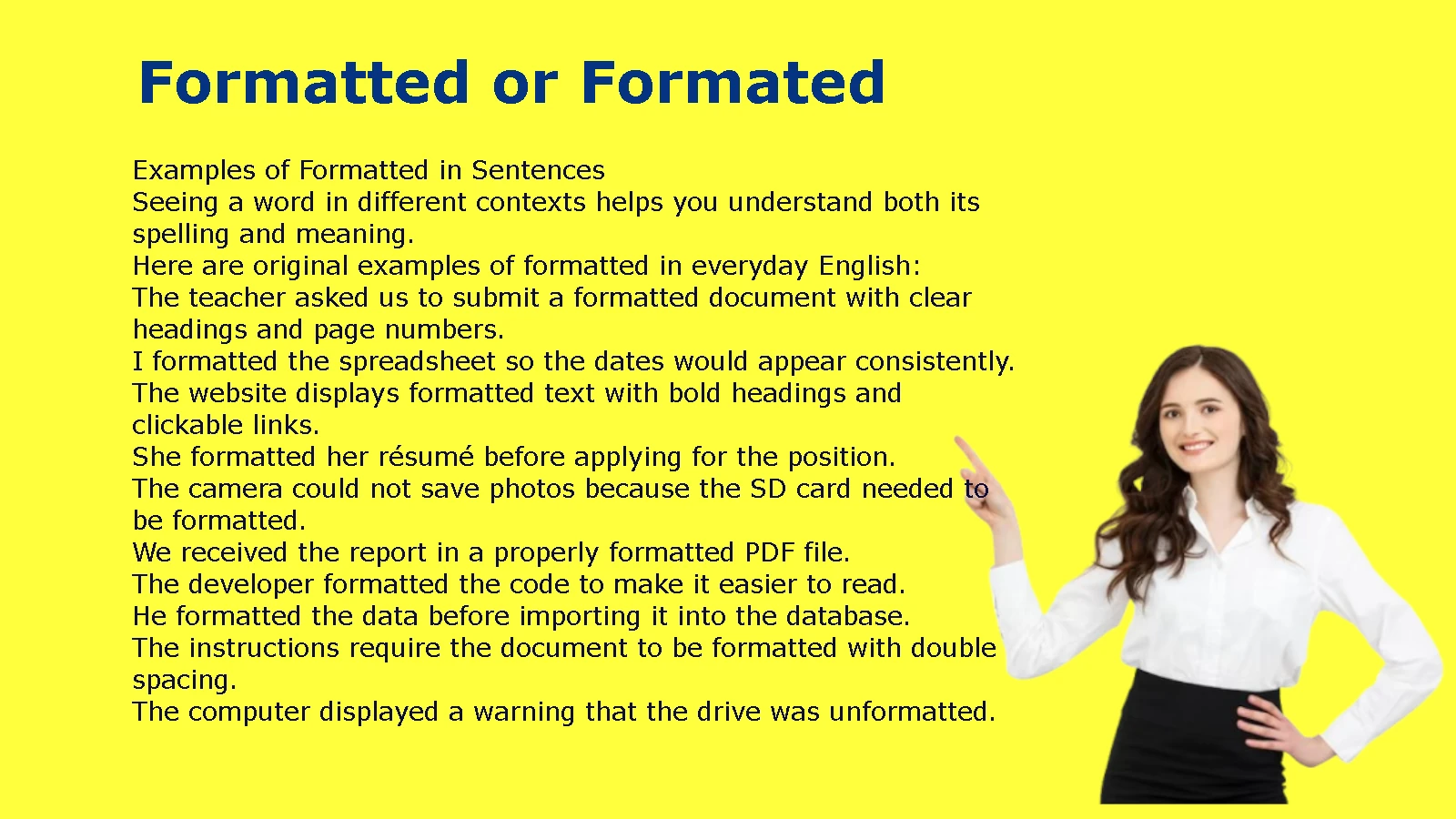
Examples of Formatted in Sentences
Seeing a word in different contexts helps you understand both its spelling and meaning.
Here are original examples of formatted in everyday English:
- The teacher asked us to submit a formatted document with clear headings and page numbers.
- I formatted the spreadsheet so the dates would appear consistently.
- The website displays formatted text with bold headings and clickable links.
- She formatted her résumé before applying for the position.
- The camera could not save photos because the SD card needed to be formatted.
- We received the report in a properly formatted PDF file.
- The developer formatted the code to make it easier to read.
- He formatted the data before importing it into the database.
- The instructions require the document to be formatted with double spacing.
- The computer displayed a warning that the drive was unformatted.
Notice that formatted can describe an action completed in the past or a condition that exists now.
In “I formatted the document,” the word describes an action. In “The formatted document is ready,” it describes the document’s current state.
Formatted Meaning and Definition
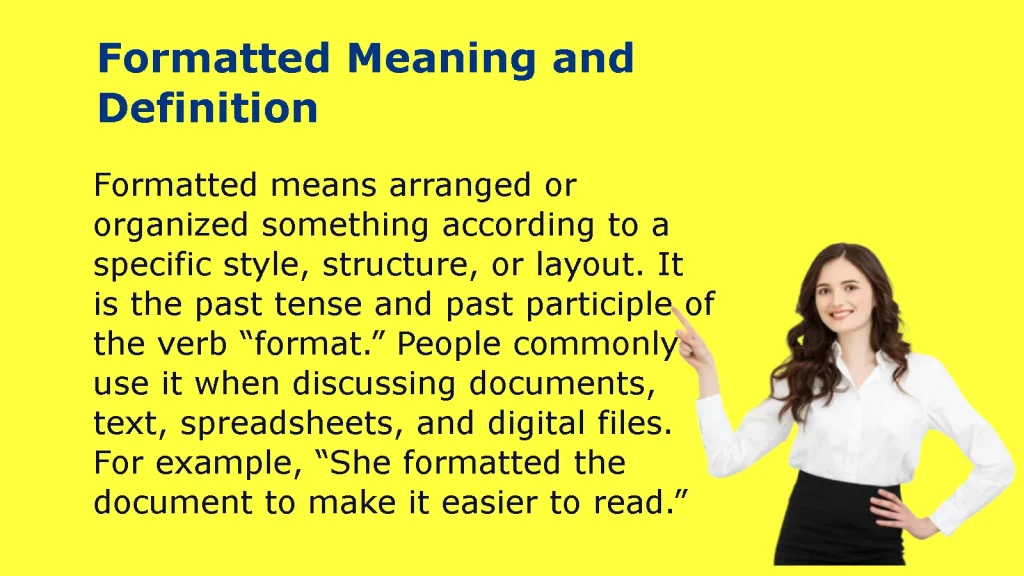
Formatted means arranged, presented, or prepared according to a particular structure or set of requirements. In writing, it usually refers to the appearance and organization of text. In computing, it can describe a file, document, or storage device that follows a particular format or has been prepared for a specific purpose.
The exact meaning depends on the subject.
For example, a formatted document may contain consistent headings, margins, and line spacing. A formatted SD card, by contrast, has a file system established for storing and organizing files.
Formatted as a Verb
Formatted is the past tense and past participle of the verb format.
A verb describes an action. When someone formats a document, they change its layout or presentation. When someone formats a storage device, they prepare its storage structure for use.
Examples include:
- “I formatted the document yesterday.”
- “The designer formatted the page for printing.”
- “We have formatted the data for the new software.”
- “The technician formatted the drive before installing the operating system.”
In these sentences, formatted describes something someone did or completed.
The word can also appear in passive constructions, such as “The report was formatted by the assistant.” Here, the report receives the action rather than performing it.
The active version usually sounds more direct: “The assistant formatted the report.”
Formatted as an Adjective
Formatted can also function as an adjective when it describes the condition or appearance of a noun.
For example:
- A formatted document follows specific layout rules.
- Formatted text contains presentation settings such as bold type and paragraph spacing.
- A formatted drive has a file system prepared for storage.
- A formatted table presents information in rows and columns.
- A formatted code file follows a particular indentation or layout convention.
Compare these sentences:
“The assistant formatted the document.”
“The formatted document is ready for review.”
In the first sentence, formatted is part of the verb phrase. In the second, it describes the document.
This distinction matters when you want to explain grammar or use the word accurately in professional writing.
Formatted Synonyms and Related Words
The best formatted synonym depends on what you are describing. Words such as organized, structured, and arranged can describe the organization of information. Terms such as styled and laid out usually focus on visual presentation.
| Synonym or related expression | Meaning | Example |
| Organized | Arranged in a useful order | The organized report was easy to navigate. |
| Structured | Built according to a defined system | The structured document followed the template. |
| Arranged | Placed in a particular order | The figures were arranged by date. |
| Styled | Given a particular visual appearance | The heading was styled in bold type. |
| Laid out | Arranged on a page or screen | The brochure was laid out in three columns. |
| Prepared | Made ready for a particular purpose | The data was prepared for import. |
| Standardized | Made consistent according to a standard | The team standardized its reporting format. |
These words are related, but they are not always interchangeable.
For instance, organized suggests that information has been placed in a useful order. Styled emphasizes appearance. Standardized means that something follows an established standard. None of these words automatically means that a storage device has been formatted.
For that reason, use formatted when you specifically mean that a document, file, or device has been arranged or prepared according to a format.
Formatted Pronunciation and Spelling
The word formatted has three syllables in common English pronunciation. The final -ed is pronounced as an extra syllable, rather than as a simple d sound. The word begins with the same sound as format, followed by the short vowel sound in cat and an ending similar to id.
How to Pronounce Formatted
A simple pronunciation guide for formatted is FOR-mat-id.
The word has three syllables:
- FOR — the stressed first syllable.
- mat — the second syllable.
- id — the final syllable.
A common American pronunciation is represented approximately by the IPA as /ˈfɔr.mæt.ɪd/. The exact vowel in the first syllable can vary by accent.
The ending follows a common English pronunciation rule. When a verb ends in a t or d sound, its -ed ending generally adds another syllable. For example:
- Format → formatted
- Want → wanted
- Need → needed
- Start → started
By contrast, the -ed ending in words such as worked and played does not add a separate syllable.
If you are learning English, focus on the three syllables and the stress on the first one. This will make the word easier to recognize in conversation.
How to Spell Formatted Correctly
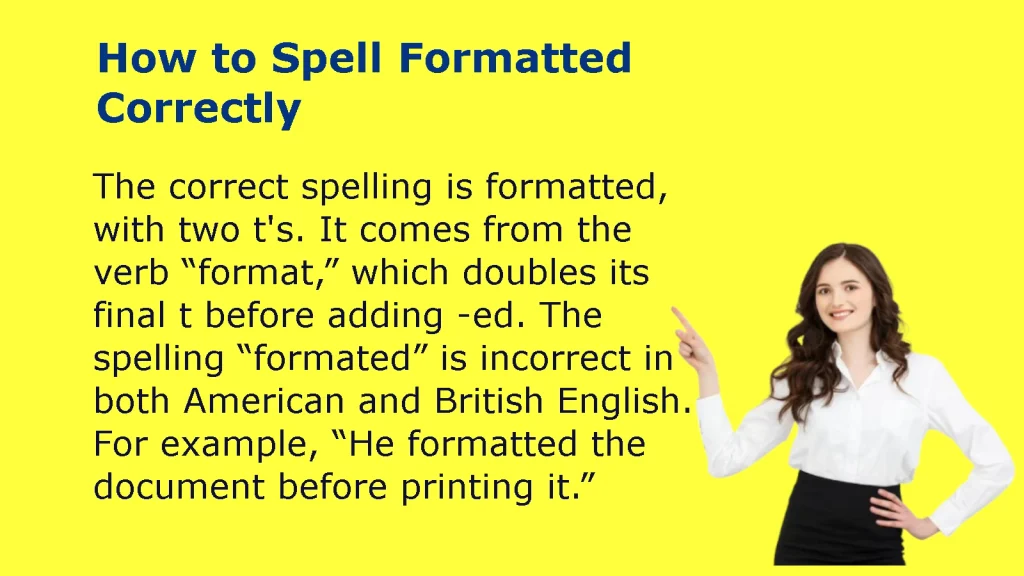
The easiest way to spell formatted is to start with the base word and add the correct ending.
Format + ed = formatted
The final t doubles before the suffix. This also applies when you form the present participle:
Format + ing = formatting
You can remember the rule with this short sequence:
- Present: I format the document.
- Past: I formatted the document.
- Ongoing action: I am formatting the document.
- Adjective: The formatted document is ready.
The same principle helps you avoid errors in professional documents, school assignments, and online content.
A spell-checker may flag formated as an error, but it is better to understand the rule than to rely entirely on software. Spell-check tools can miss mistakes when a misspelled word resembles another valid word.
Common Spelling Mistakes Related to Formatted
Writers sometimes make errors when adding endings to words or when typing quickly.
| Incorrect or confusing form | Correct form | Explanation |
| Formated | Formatted | The final t must double. |
| Formating | Formatting | Double the t before -ing. |
| Formattted | Formatted | Three consecutive ts are unnecessary. |
| Formatt | Format | The base word has one final t. |
| Unformated | Unformatted | The suffix still requires the double t. |
The prefix un- does not change the spelling of the base word. You first form formatted correctly, then add the prefix:
Un + formatted = unformatted
This gives you a useful way to remember both words.
If you are proofreading a document, search for formated, formating, and unformated. Correcting these common errors can improve the accuracy of your writing.
What Does Formatted Text Mean?
Formatted text is text that includes presentation settings controlling how it appears on a screen or printed page. These settings can include font style, font size, bold or italic emphasis, alignment, spacing, colors, and lists. Formatting helps readers identify headings, distinguish important details, and understand how information fits together.
For example, a plain paragraph might contain a heading and several sentences without visual distinctions. A formatted version could use a larger heading, bold terms, and bullet points to make the same information easier to scan.
Formatted Text vs. Plain Text
The main difference between formatted text and plain text is the presentation information the text can carry.
| Feature | Formatted text | Plain text |
| Bold and italics | Usually supported | Not represented as rich-text styling |
| Font selection | Can specify fonts | Generally relies on the viewing application |
| Font size and color | Can preserve styling | Does not store rich-text styling |
| Paragraph spacing | Can specify spacing and alignment | Limited to text characters and line breaks |
| Lists | Can support styled or structured lists | Can represent lists with ordinary characters |
| Common file types | DOCX, RTF, HTML | TXT |
| Typical use | Reports, web pages, styled documents | Notes, configuration files, simple text transfer |
A plain-text file can still contain line breaks, punctuation, tabs, and other characters. It simply does not store rich-text formatting such as font color or bold styling in the same way a rich-text document does.
HTML provides another example. A browser can display HTML text with headings, links, and emphasized words because the markup describes how the content should be structured and presented.
Examples of Text Formatting
Text formatting can improve readability when you apply it consistently.
Common examples include:
- Bold text for key terms or important warnings.
- Italic text for emphasis, titles, or unfamiliar terms.
- Headings to divide a long article into meaningful sections.
- Bullet points to group related information.
- Numbered lists to show steps in a process.
- Tables to compare features, prices, or definitions.
- Paragraph spacing to separate ideas.
- Hyperlinks to connect readers to related pages.
- Font size and alignment to establish visual hierarchy.
Imagine a troubleshooting guide with ten paragraphs and no headings. Readers may struggle to find the instruction they need. If you add descriptive headings, short paragraphs, and a numbered procedure, the information becomes easier to scan.
However, more formatting does not always produce a better result. Too many fonts, colors, and bold phrases can distract readers. Effective formatting creates a clear hierarchy rather than making every element compete for attention.
How to Format Text in Common Applications
Most writing applications provide tools for changing text appearance and structure.
In Microsoft Word:
- Select the text you want to change.
- Use the toolbar to apply bold, italics, font size, or color.
- Apply built-in heading styles to section titles.
- Adjust paragraph spacing, indentation, and alignment.
- Save the document in the required format.
Google Docs:
- Highlight the text.
- Select a formatting option from the toolbar or the Format menu.
- Apply heading styles where appropriate.
- Use lists and paragraph settings to organize the content.
- Share or download the document in a suitable file type.
In HTML:
HTML uses elements to describe document structure. For example, a heading can use an h2 element, while a paragraph uses a p element. CSS controls many visual properties, such as font size, color, margins, and spacing.
When copying text between applications, some formatting may disappear. A plain-text paste usually removes rich styling, while a normal paste may preserve some or all of it. The result depends on the source, destination, and paste method.
If a document must meet specific requirements, check the final version rather than assuming the original formatting survived every transfer.
What Does Formatted SD Card Mean?
A formatted SD card is a memory card that has been prepared with a file system so a compatible device can organize and store files on it. Formatting establishes the structures the operating system uses to manage data. It can also remove existing file-system information, which may make previous files inaccessible.
Formatting is common when preparing a new memory card for a camera, phone, or other device. However, you should check the device’s instructions before choosing a file system or formatting a card that already contains important data.
What Happens When You Format an SD Card?
Formatting prepares a card for file storage by creating or recreating its file-system structures. The exact process depends on the device, operating system, and formatting option.
A file system helps a device organize files, track where data is stored, and manage available space. Common file systems include FAT32 and exFAT, although compatibility depends on the device.
Here are the main effects of formatting:
- File-system preparation: The device establishes a structure for managing files.
- Existing file access: Previous files may disappear from normal browsing after formatting.
- Storage readiness: A compatible device can usually begin saving files once formatting finishes.
- Compatibility: The selected file system must work with the device.
- Data recovery considerations: Formatting does not guarantee that every underlying data fragment has been permanently erased.
A quick format generally creates the required file-system structures without thoroughly overwriting every storage area. A full format can involve additional checks or writes, depending on the operating system and device.
Neither option should be treated as a guarantee of secure data destruction in every situation.
Important: Back up your files before formatting an SD card. If the card suddenly asks to be formatted and contains photos or documents you need, do not format it immediately. First investigate whether the device can read the card or whether you need data recovery.
Formatted vs. Unformatted SD Card
A formatted SD card has a recognizable file system for the intended device. An unformatted card may be new, damaged, corrupted, or formatted with a file system the device cannot recognize.
| Feature | Formatted SD card | Unformatted SD card |
| File system | Has a file system the device can recognize, if compatible | May lack a usable file system |
| File storage | Usually ready to store files | May require preparation |
| Device recognition | Usually works when compatible and healthy | May trigger a formatting warning |
| Existing data | Formatting may make earlier files inaccessible | Existing data may or may not be present |
| Next step | Use the card or check errors if problems occur | Check compatibility and existing data before formatting |
An unformatted card is not necessarily empty. For example, a card might contain photos but have a damaged file-system structure. A computer may then report that the card needs formatting even though recoverable data remains.
This distinction is important because formatting can make recovery more difficult.
If your device displays a message such as “You need to format the disk before you can use it,” first consider whether the card contains files you want to keep. If it does, stop writing new data to the card and investigate recovery options before formatting.
How to Format an SD Card Safely
Formatting an SD card is usually straightforward, but selecting the wrong drive can cause serious data loss. Follow a careful process.
Step 1: Back up important files.
Copy photos, videos, documents, and other files to another storage location. Open a few files from the backup to verify that the copies work.
Step 2: Identify the correct card.
Check the card’s drive letter, name, capacity, or device information. Do not assume that the first removable drive listed is the SD card you intend to format.
Step 3: Check device compatibility.
A camera, game console, phone, or other device may recommend a particular file system. Follow the manufacturer’s instructions instead of choosing a format at random.
Step 4: Choose the appropriate formatting tool.
You can often format a card through the device that will use it. Computers also provide formatting tools through their operating systems.
Step 5: Confirm the operation.
Review the selected drive and formatting options before proceeding. Formatting may remove access to existing files.
Step 6: Test the card.
After formatting, safely eject the card if necessary, insert it into the intended device, and check whether it can save and open files.
If the card repeatedly fails, displays errors, or becomes unreadable, formatting may not solve the underlying problem. The card could be damaged or counterfeit, or the device may have a compatibility issue.
What Does Unformatted Mean?
Unformatted means that something lacks the expected formatting or structure. In computing, an unformatted storage device may not have a usable file system that the operating system recognizes. In writing, unformatted text or a document may lack consistent styling, headings, spacing, or layout.
The word does not automatically mean that something is empty.
For example, an unformatted document can contain plenty of text but lack headings and consistent paragraph styles. An unformatted SD card may be new, but it could also contain data that a device cannot currently interpret.
Consider these examples:
- The new memory card was unformatted, so the camera requested setup.
- The drive appeared unformatted after its file system became corrupted.
- The notes were unformatted, with no headings or paragraph breaks.
- The imported data was unformatted and needed to be arranged into columns.
When troubleshooting a storage device, distinguish between an unformatted device, a damaged device, and a device that uses an unsupported file system. Those situations can produce similar warnings but may require different solutions.
Formatted vs. Unformatted: Other Common Uses
The terms formatted and unformatted apply to more than SD cards. You may encounter them in word processing, website development, database management, and general file storage.
In each case, formatted refers to a particular presentation or structure, while unformatted indicates that the expected structure is missing or has not been applied.
Formatted vs. Unformatted Documents
A formatted document follows a defined presentation style. It may contain consistent headings, margins, fonts, line spacing, page numbers, and lists.
An unformatted document may still contain complete sentences and useful information. However, its presentation might be inconsistent or difficult to navigate.
For example, imagine two job applicants who submit résumés with identical experience.
The first résumé uses consistent headings, aligned dates, and readable spacing. The second places information in inconsistent locations and uses several unrelated fonts. Although the content is similar, the first résumé is easier to scan.
Formatting does not replace strong content, but it can make that content easier to understand.
A useful document-formatting checklist includes:
- Use consistent heading levels.
- Choose a readable font and suitable size.
- Keep margins and paragraph spacing consistent.
- Use lists when presenting several related items.
- Align dates, figures, and other repeated elements.
- Check page breaks before printing or exporting.
- Verify that the saved file preserves the intended layout.
If you work with multiple document types, you may also want to understand the difference between DOCX, PDF, RTF, and TXT. Each format stores or presents information differently, so the best choice depends on whether you need editing, consistent display, or simple text transfer.
Formatted vs. Unformatted Drives
A formatted drive has a file system that a compatible operating system can use to organize files. An unformatted drive may not have a usable file system, or the computer may not recognize the one it contains.
A drive that appears unformatted is not necessarily defective. Possible explanations include:
- The drive is new and has not been initialized or formatted.
- Its file system is corrupted.
- The operating system does not support its file system.
- A connection or hardware problem prevents the computer from reading it correctly.
- The drive has suffered physical damage.
Before formatting a drive, determine whether it contains important data. If the files matter, avoid writing new information to the drive and consider appropriate recovery options.
Formatted Data vs. Unformatted Data
The distinction also appears in spreadsheets, databases, and data-processing systems.
Formatted data follows an expected structure or presentation convention. For example, dates may use a consistent format, currency values may include two decimal places, and records may follow a defined column arrangement.
Unformatted data may contain the same underlying information without a consistent structure.
Consider a spreadsheet containing these entries:
- October 5, 2026
- 10/06/26
- 2026-10-07
All three entries may represent dates, but their presentation differs. Standardizing them to one date format can make the spreadsheet easier to read and process.
Data formatting can involve:
- Standardizing dates and times.
- Applying consistent decimal places.
- Displaying currency symbols.
- Separating names, addresses, and other fields into columns.
- Removing inconsistent spaces.
- Applying a defined structure before importing records into another system.
However, presentation and underlying data are not always the same. A spreadsheet might display a number as currency without changing the underlying numeric value. Similarly, changing a date’s display format may alter how it appears without changing the stored date.
Understanding that difference helps prevent errors when you prepare reports or transfer information between applications.
Practical Examples: Choosing the Right Meaning of Formatted
The word formatted can refer to several different tasks. The surrounding words usually reveal which meaning applies.
| Situation | What formatted means | Example |
| School assignment | Document layout follows instructions | The essay was formatted with double spacing. |
| Business report | Presentation follows a consistent style | The report was formatted with standard headings. |
| Website | Text or content uses styling and structure | The page displays formatted text and links. |
| Spreadsheet | Values have a consistent display or structure | The dates were formatted as month, day, and year. |
| SD card | Storage has a usable file system | The camera requested a formatted card. |
| Computer drive | Storage was prepared for file management | The technician formatted the drive before installation. |
| Programming | Code follows a defined layout convention | The source file was formatted for readability. |
These examples show why a single definition may not explain every use of the word. The core idea is consistency with a format, but the details vary by context.
A Practical Case Study: Correcting a Formatting Problem
Imagine a small business preparing a monthly sales report. The original spreadsheet contains inconsistent date styles, mixed decimal places, and several headings that look like ordinary body text.
The data is present, but the report is difficult to scan.
The employee makes three changes:
- Standardizes all dates to one display format.
- Applies a consistent heading style to each section.
- Uses the same decimal precision for comparable financial values.
The resulting report becomes easier to read and compare. The employee has formatted the spreadsheet by applying a consistent presentation structure.
Now consider a different problem. The same business inserts an SD card into a camera, but the camera reports that the card must be formatted. The word refers to a different process: preparing the storage device’s file system rather than changing the visual appearance of information.
The two situations share the concept of applying a format, but the actions and risks differ. Changing spreadsheet presentation is not the same as formatting storage, which can make existing files inaccessible.
This distinction is especially useful when you read technical instructions or explain a problem to someone else.
Frequently Asked Questions
Is It Formatted or Formated?
Formatted is the correct spelling in standard American and British English. The word comes from format, and you double the final t before adding -ed. The spelling formated is a common mistake.
What Is the Meaning of Formatted?
Formatted means arranged or prepared according to a particular structure, layout, or set of specifications. A formatted document follows presentation rules, while a formatted storage device has been prepared with a file system for managing files.
What Is a Synonym for Formatted?
Common alternatives include organized, structured, arranged, styled, and laid out. Choose the synonym that matches the context. For example, styled emphasizes visual appearance, while structured emphasizes organization.
How Do You Pronounce Formatted?
The word has three syllables and is commonly pronounced FOR-mat-id. The first syllable receives the stress, and the final -ed adds a syllable because the base word ends in a t sound.
What Does Formatted SD Card Mean?
A formatted SD card has been prepared with a file system that a compatible device can use to manage files. Formatting may make existing files inaccessible, so back up important data before proceeding.
What Is the Difference Between Formatted and Unformatted?
Formatted describes something that follows an expected structure or has been prepared for a particular use. Unformatted describes something that lacks that structure or does not have a usable format. An unformatted storage device is not necessarily empty.
Conclusion: Always Use Formatted, Not Formated
Formatted is the correct spelling, and formated is a misspelling in standard English. The spelling rule is easy to remember: start with format and double the final t before adding -ed. The same rule gives you formatting when you add -ing.
The word’s meaning depends on context. A formatted document has a particular layout, formatted text includes presentation settings, and a formatted SD card has a file system prepared for storage. By contrast, unformatted describes content or a device that lacks the expected structure or usable formatting.
When writing, check the double t and use formatting consistently. When working with SD cards or other storage devices, verify compatibility and back up important files before formatting.